
Math practice that grows with your child.
A calm, private math app for young learners — free, works offline, and nothing you or your child does in the app ever leaves the device.
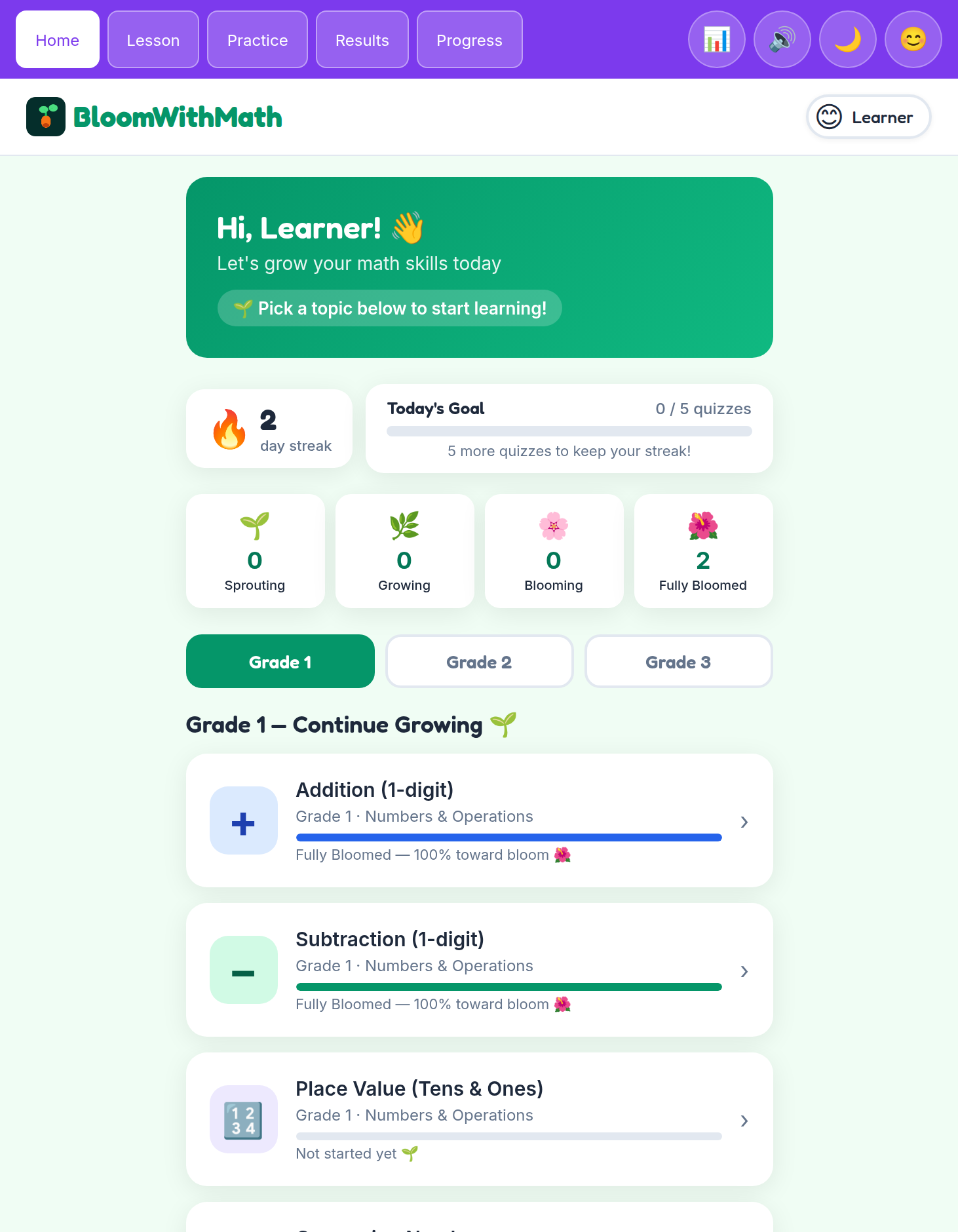
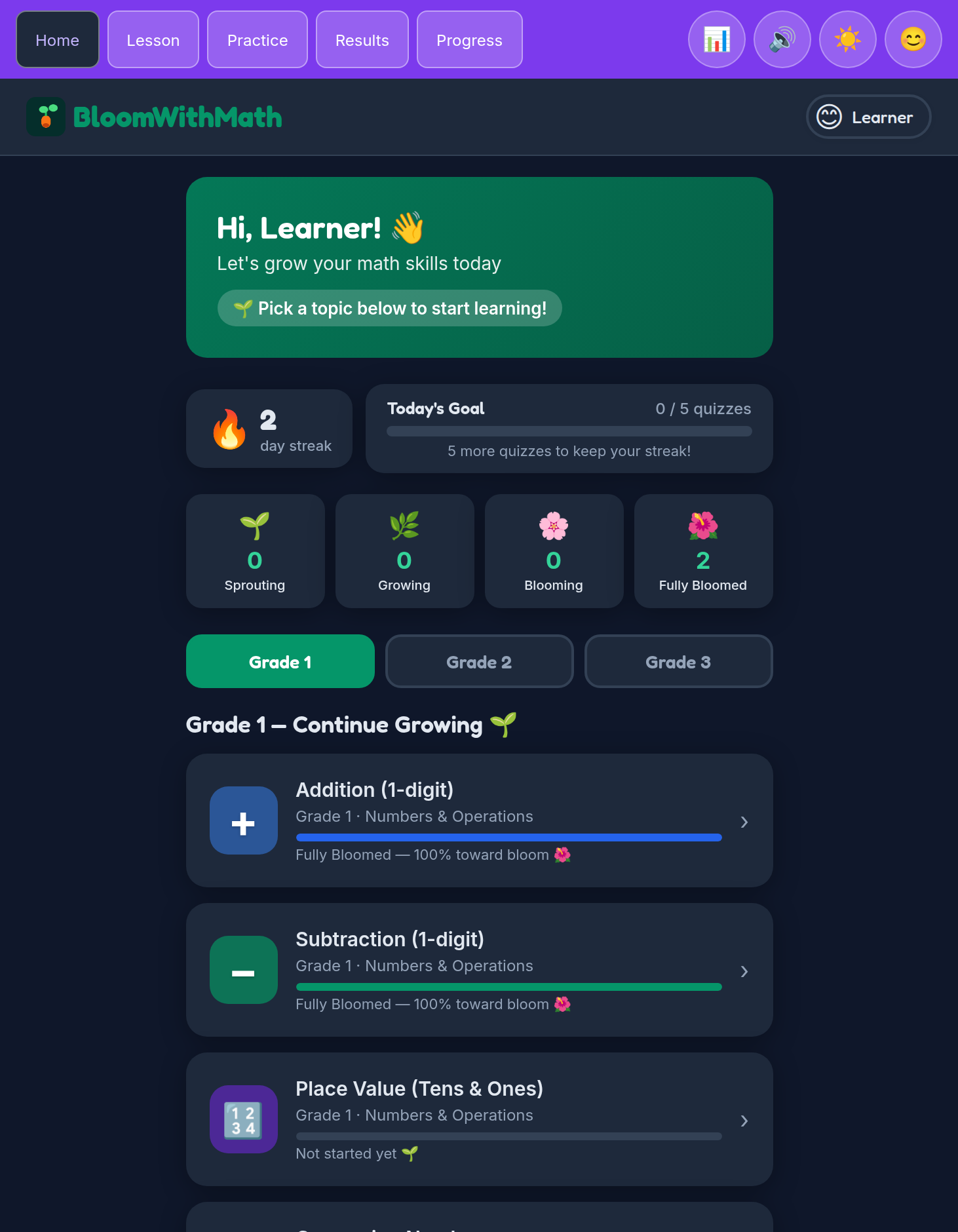
Growth-mindset feedback, all the way through.
Every question meets your child where they are. When they get one right, the app celebrates the effort. When they get one wrong, it explains the step gently and offers another try — no red X, no stinging "wrong" counters, no timer running down.
Under the hood, an adaptive engine quietly notices where a child is confident and where they're still building, and picks the next question accordingly. What your child sees is a calm sequence of problems they can actually finish — which is what practice needs to feel like at ages 5 to 10.
What's inside
Aligned to K–3 math standards, organized by grade.
Grade 1
- Addition
- Subtraction
- Place Value
- Comparing Numbers
- Skip Counting
- Shapes & Geometry
- Telling Time
- Measurement
Grade 2
- Addition (2-digit)
- Subtraction (2-digit)
- Place Value (3-digit)
- Even & Odd Numbers
- Word Problems
Grade 3
- Addition (3-digit)
- Subtraction (3-digit)
- Multiplication
- Division
- Fractions
Questions parents ask
Is it really free?
Yes — every topic and every grade in the app is free, with no ads and nothing locked.
Does it work offline?
Yes. After your child opens the app once with a network connection, it works fully offline from then on — on planes, in the car, or anywhere without Wi-Fi. Progress saves locally either way.
What data do you collect?
From the app: nothing. No server, no analytics, no third-party code. Your child's questions, progress and streaks are stored on the device and never sent anywhere.
This website — the page you're reading now — counts visits using Cloudflare Web Analytics, so we know whether people are finding us. It sets no cookies, it doesn't build an advertising profile, it isn't used to follow anyone between sites, and we never sell or share it. It stops at the front door; it isn't in the app.
What ages is it for?
Roughly ages 5 to 10 — the app covers Grades K through 3 math. Younger kids can start with Grade 1 addition and counting; older kids can jump straight to multiplication, division, or fractions.
Do I need an account?
No — just open it and start.
Can I see my child's progress? Can I export it?
Yes to both. The built-in Parent Dashboard shows mastery by topic, session history, and streaks — protected behind a 4-digit PIN you set on first use. From there you can export a JSON backup of all progress and re-import it on the same device or another one.
Is there anything my child shouldn't see?
No ads, no external links, no chat, no user-generated content, and no way to reach the open web from inside the app. The only "outside" thing is the parent-only export/import screen, which is PIN-gated.
About & privacy
About
BloomWithMath is a small, focused math practice app for children ages 5 to 10. It exists to make daily math practice something a kid actually finishes — calm pacing, encouraging feedback, and a clear sense of progress.
No ads. Just math.
Privacy
- Your child's work never leaves their device.
- No analytics, no third-party code and no tracking pixels in the app.
- Progress and settings live in your browser's local storage on this device only.
- Parent-only actions (export, import, profile edit) are protected by a 4-digit PIN.
- This marketing site counts visits with Cloudflare Web Analytics — cookie-free, aggregate only, never sold or shared. The app itself does not.
Ready to plant something?
Open the app and let your child pick a topic. That's the whole setup.
Start learning